If I were trying Fable 5.2 at work for the first time, I'd give it one familiar task. Something I can check and do often enough that making it easier would be useful.
In my work, that could be handling a request for a quote, writing event marketing copy, or fixing a website. I know what I expect from the finished work in each case. The prompts below offer a way to get started.
Select Fable 5.2 and check your usage limits
Open Claude in your browser or app and select Fable 5.2 from the model picker. The model is available on paid plans. If it doesn't appear in your organization's picker, check model access with your administrator. Claude Code requires version 2.1.321 or later for Fable 5.2. Anthropic's access guide.
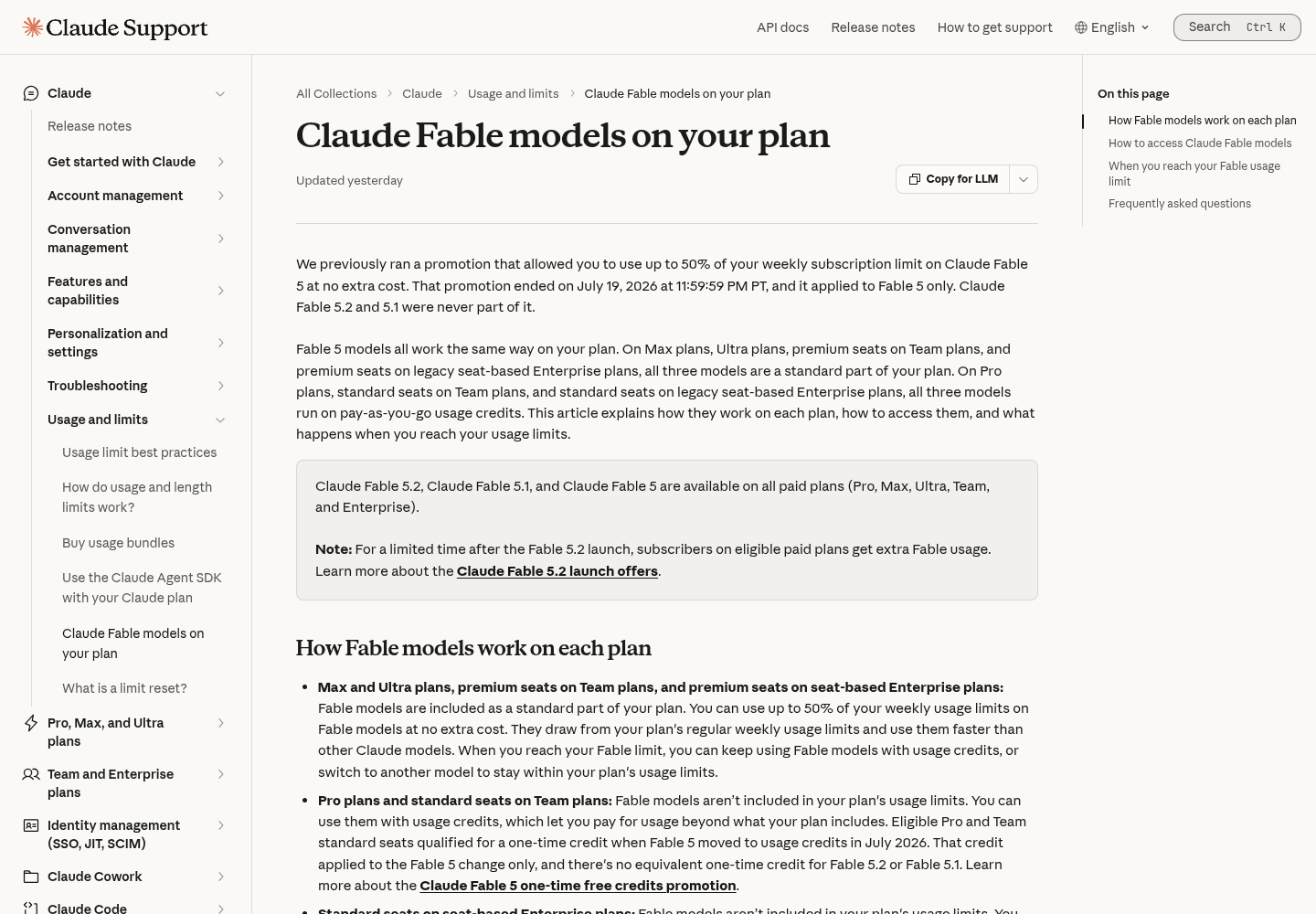
Model availability and billing depend on your plan. Screenshot taken November 11, 2026. Source.
Check Settings > Usage as well. On Pro and Team standard plans, Fable normally uses separately billed usage credits. The November 2026 launch promotion makes a temporary exception for eligible plans. Those promotional terms don't mean usage will be included permanently. Plan terms, launch promotion.
For a first trial, a conversation and the relevant attachments are enough. The model can only use information from your CRM, email, or file storage if you provide it or the application has an appropriate connection. Switching models doesn't create an integration.
Provide the material and define the finished result
For a quote request, I'd provide the customer's message, a current price list, and descriptions of the service packages. I'd name the files so their purpose and validity are clear. An anonymized request you've already handled is a useful first test.
The prompt could look like this:
Draft a reply to the attached quote request. Use the Price list file for pricing and the Service packages file for what each package includes. Explain which package fits the customer's request, how its price is calculated, and what information we still need from the customer. Mark missing details as unresolved. Return the customer-facing draft first, followed by a short checklist for me with references to the source material.
I'd check the date, number of guests, included services, and price. If the message doesn't give a venue, a good draft asks for it. Guessing the venue could affect transport or equipment requirements.
Once this works with a few different messages, the next step could be retrieving the material directly from your existing services. I've described my own implementation in my article about Nice Events' lead automation.
Give it samples of your writing for marketing tasks
An event post needs the event name, date and time, venue, program, and ticket link. I'd also include a couple of earlier posts that sound like me.
Write an Instagram post and a short newsletter text for this event. The event details are attached. Use the two previous texts as examples of my writing style. Put the performer and event date near the beginning. Keep names, times, and the ticket link exactly as they appear in the source. Produce one finished version of each text.
I'd read the copy aloud before using it. Does it use phrases I'd say? Can a reader find the information they need? If the opening paragraph sounds like a collection of slogans, useful feedback can be as simple as explaining what that paragraph needs to tell the reader.
Define the scope of a website change
For an agent that edits code, I'd start with one fix and explain how to check whether it worked. For example:
Fix the contact form's mobile layout. Use the project's existing components and styles. The form must fit a viewport 390 pixels wide, field labels must remain visible, and the submit button must be usable. Implement the fix in the preview, check the layout in a browser, and run the tests relevant to the change. At the end, tell me what you checked and what you couldn't check.
A finished result here means a working form at the specified viewport size. The review should also cover error messages and the response after a successful submission. A screenshot of an empty form won't show whether those work.
Anthropic's documentation says Fable 5.2 sometimes stops long tasks before they are complete. It helps to name the expected deliverable in the prompt. For coding tasks, state the scope of the change as well. Fable 5.2 behavior changes.
Set reasoning effort and response style separately
For a demanding Fable trial, high is Anthropic's recommended starting point. Compare it with medium and, if needed, xhigh on the same task. In the API, the setting is output_config.effort. The controls available in a user interface depend on the application. Effort documentation.
If you want a short answer, say so in the prompt. For example: "Return the finished text and a checklist of no more than five items." Reasoning effort and the length of the final response are separate choices.
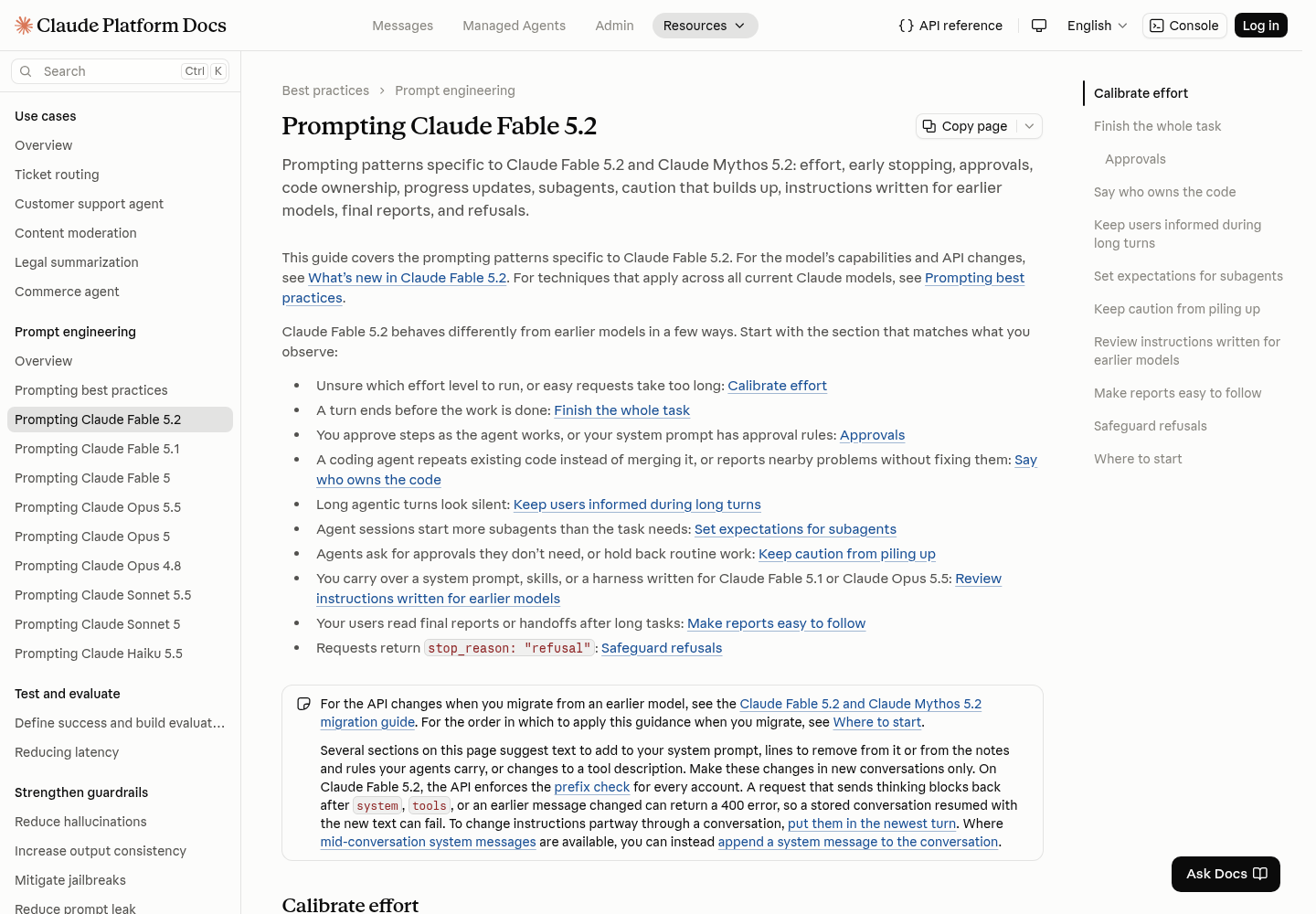
The Fable 5.2 guide covers long tasks, scope, and subagents, among other topics. Screenshot taken November 11, 2026. Source.
If you already use a CLAUDE.md file, skills, or other agent instructions, check whether they still fit. Anthropic specifically recommends reviewing older delegation rules and unnecessarily strict style constraints. Test instruction changes in a new conversation. Model-specific guidance.
Record how much work is left for you
I'd start with a small comparison using perhaps five tasks I've handled before. Include an easy case and one where some source information is missing.
For each task, I'd record the model and setting, elapsed time, visible usage consumption, and the corrections I had to make. It's particularly useful to separate factual errors from wording I'd simply prefer to change.
Slopalytics helps compare models at a general level. In your own trial, the question is whether you can finish acceptable work with less effort. If a quote draft arrives quickly but the prices need correcting every time, I'd investigate the source material or instructions next. If the same tasks work reliably, I'd save the prompt for the next time I need it.
Read also: What's changed in Fable 5.2?.